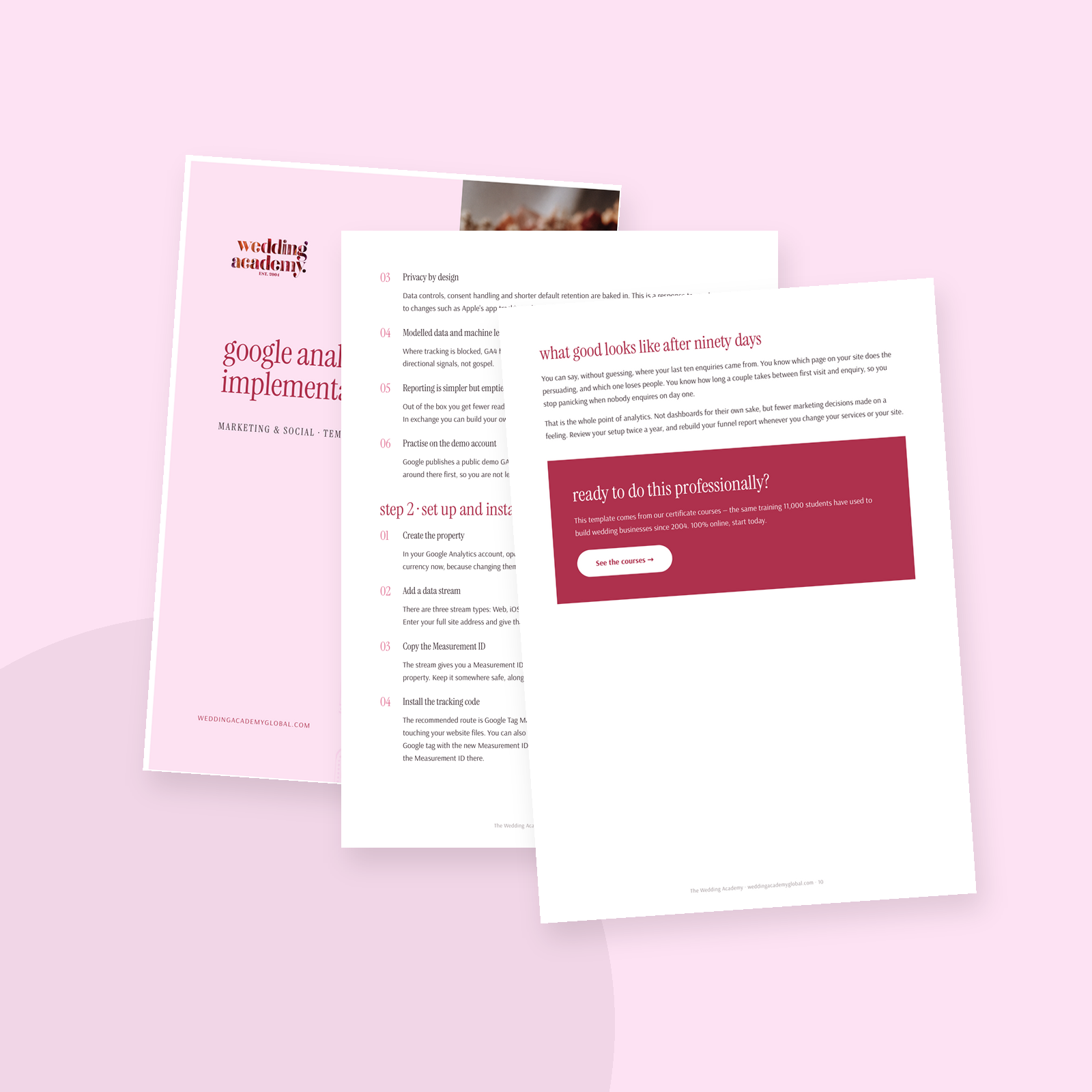
Description
You post, you blog, you pay for a listing, and you still cannot say which of those brought you your last ten enquiries. Analytics is meant to answer that, but most wedding business owners install it, open it twice, and never touch it again because the interface assumes you are a marketing analyst.
This kit fixes that. It walks you through Google Analytics 4 in the order you actually need it, in plain English, written for a wedding planner or stylist rather than a developer. Two focused sessions and you will have a setup you understand and reports you will genuinely use.
What is inside
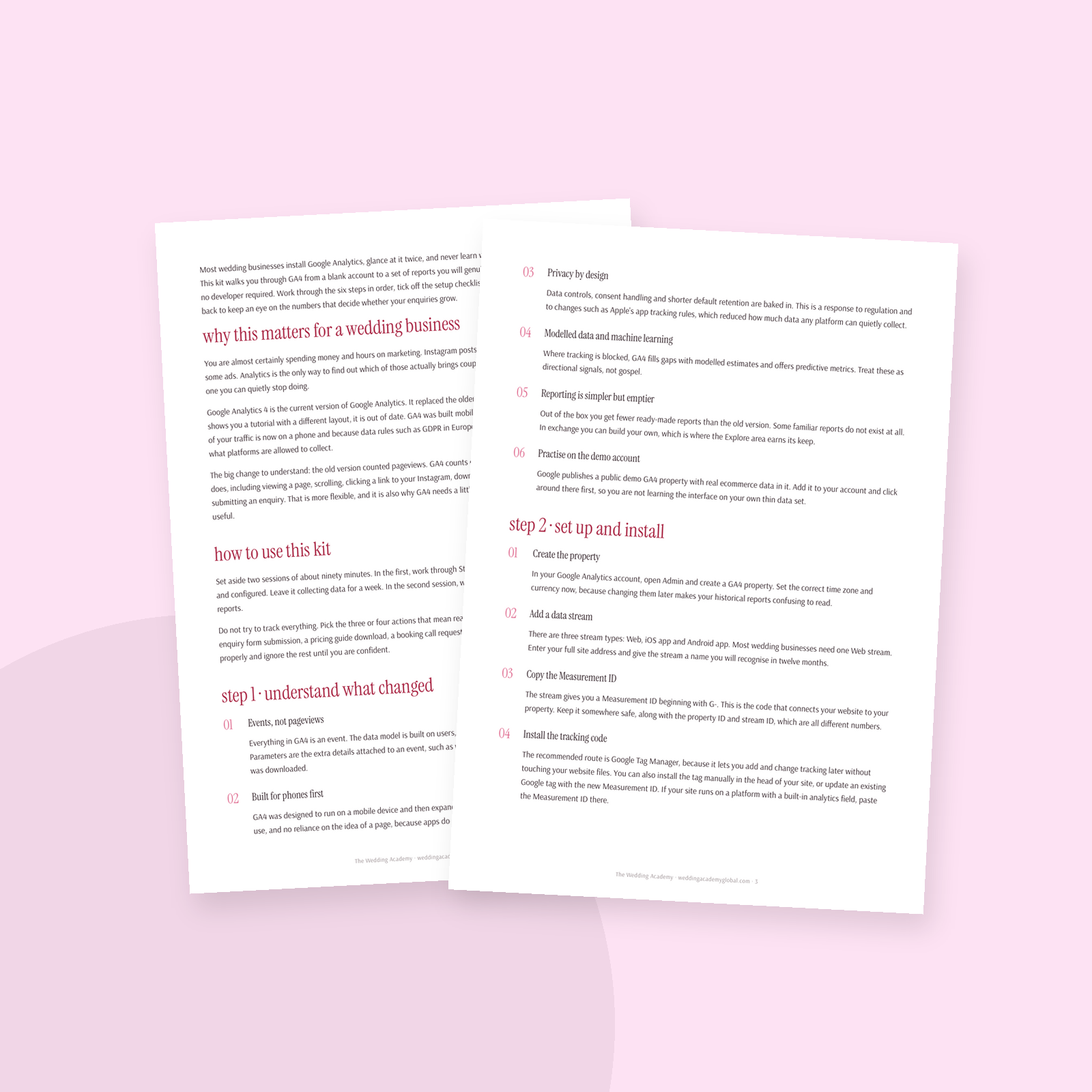
- Why analytics matters for a wedding business, and the events-based model explained without jargon
- A how-to-use plan so you know exactly what to do in session one and session two
- Step 1: what changed in GA4, and how to practise on the demo account first
- Step 2: create your property, add a data stream, install and verify the tracking code
- A 16-point installation checklist so nothing is left half done
- Step 3: the settings that matter, including enhanced measurement, data retention, filters and access
- Step 4: every report area explained, plus how to build a funnel in Explore
- Step 5: events and conversions, and the handful worth tracking in your business
- A printable event tracking plan table
- Step 6: connecting Google Ads, Search Console and your offline booking results
- A monthly numbers tracker and an account details page to fill in
- Insider tips and a clear picture of what good looks like after ninety days
Who it is for
Wedding planners, stylists, photographers, florists and venue teams who own a website and want to know what is working. No technical background needed. If you can log into your website settings, you can do this.
What changes
You stop making marketing decisions on a feeling. You know which page persuades and which page loses people, how long a couple takes from first visit to enquiry, and which channel deserves more of your time. Fill in the trackers each month and you build a record of your own business instead of a folder of screenshots you cannot interpret.
What’s inside
- Six-step GA4 setup path, start to finish
- 16-point installation checklist
- Settings walkthrough in plain language
- Reports and funnel building guide
- Events and conversions explained
- Printable event tracking plan
- Monthly numbers tracker
- Insider tips for wedding businesses