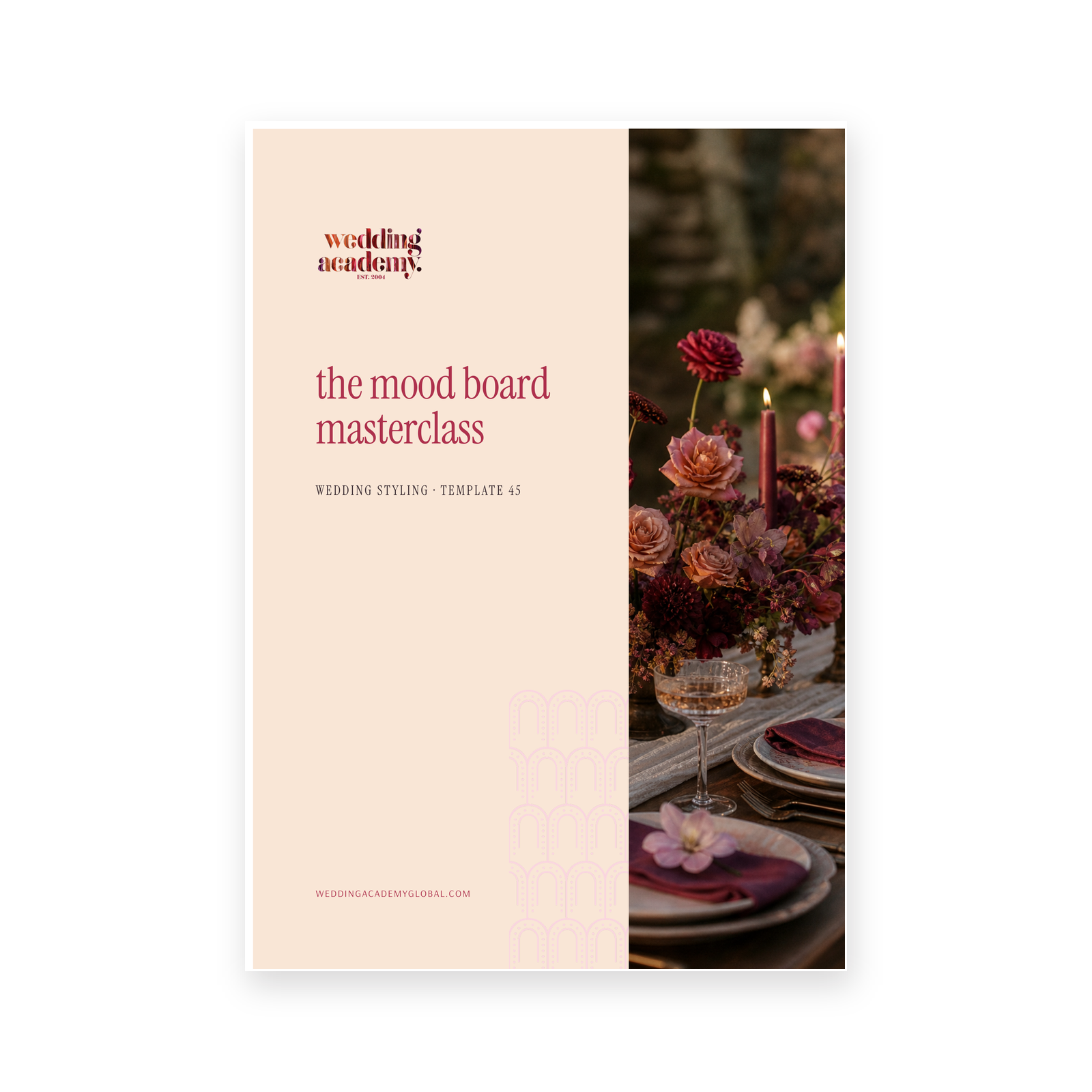
Description
Most mood boards are collages of things the stylist likes. They look nice, they get a polite response, and then the client sends fourteen more images and the concept quietly falls apart. A mood board has one job — to get agreement — and a board built for that job behaves completely differently.
The Mood Board Masterclass shows you how professionals build one: what goes on it, what gets cut, how it is laid out, what is written on it, and how it is presented so you leave the meeting with a decision rather than homework.
What is inside
- What a mood board is actually for, and why you need a client version and a supplier version
- The five image types every board needs — anchor, colour proof, texture, objects and atmosphere
- How to source images properly, including credit and permission, with a printable sourcing log
- A six-step method for editing fifty images down to nine, including the squint test
- Layout rules that lead the eye — grid, focal point, spacing, background and type
- The three pieces of writing every board needs, with a concept writing worksheet
- A six-step presentation method, including the one question to ask instead of “what do you think?”
- How to handle feedback without losing the concept, plus scripts for the five most common responses
- A pre-send checklist and a revision tracker
Who it is for
Wedding stylists, planners and florists who pitch concepts, new designers building their first client-facing process, and anyone whose boards get admired but not approved.
After you use it, your boards get shorter and stronger. You stop offering three options and start recommending one. Revisions drop to a single round because you built in the boundaries up front, and your suppliers get a brief they can quote from without a single clarifying email.
What’s inside
- The five image types every board needs
- Image sourcing log with permissions
- Editing fifty images down to nine
- Layout rules that lead the eye
- Concept writing worksheet
- Six-step presentation method
- Scripts for common client feedback
- Pre-send checklist and revision tracker