Using AI for wedding business tasks works best for first drafts, admin and idea generation — writing rough emails and captions, turning notes into checklists, summarising long threads and brainstorming content. It works poorly for anything that relies on judgement, relationships, local knowledge, legal accuracy or genuine human warmth, which is most of what couples actually pay a wedding professional for.
So the honest answer is: AI is a capable assistant, not a replacement for you. This guide covers where it genuinely saves time, where it lets you down, and how to use it without your business starting to sound like everyone else’s.
What AI tools can actually do for a wedding business
The AI tools most wedding professionals are using today are general-purpose writing and chat assistants, plus AI features built into design, email, scheduling and client management software. They’re good at working with language and patterns. That makes them useful for:
- Turning rough bullet points into a readable first draft
- Rewriting something shorter, warmer or clearer
- Generating lists of ideas to react to
- Summarising long documents or email threads
- Structuring information into tables, checklists and timelines
They are not reliable sources of facts, they don’t know your clients, and they can state wrong information with total confidence. Keep that in mind and you’ll use them well.
Where AI helps wedding businesses most
Marketing first drafts
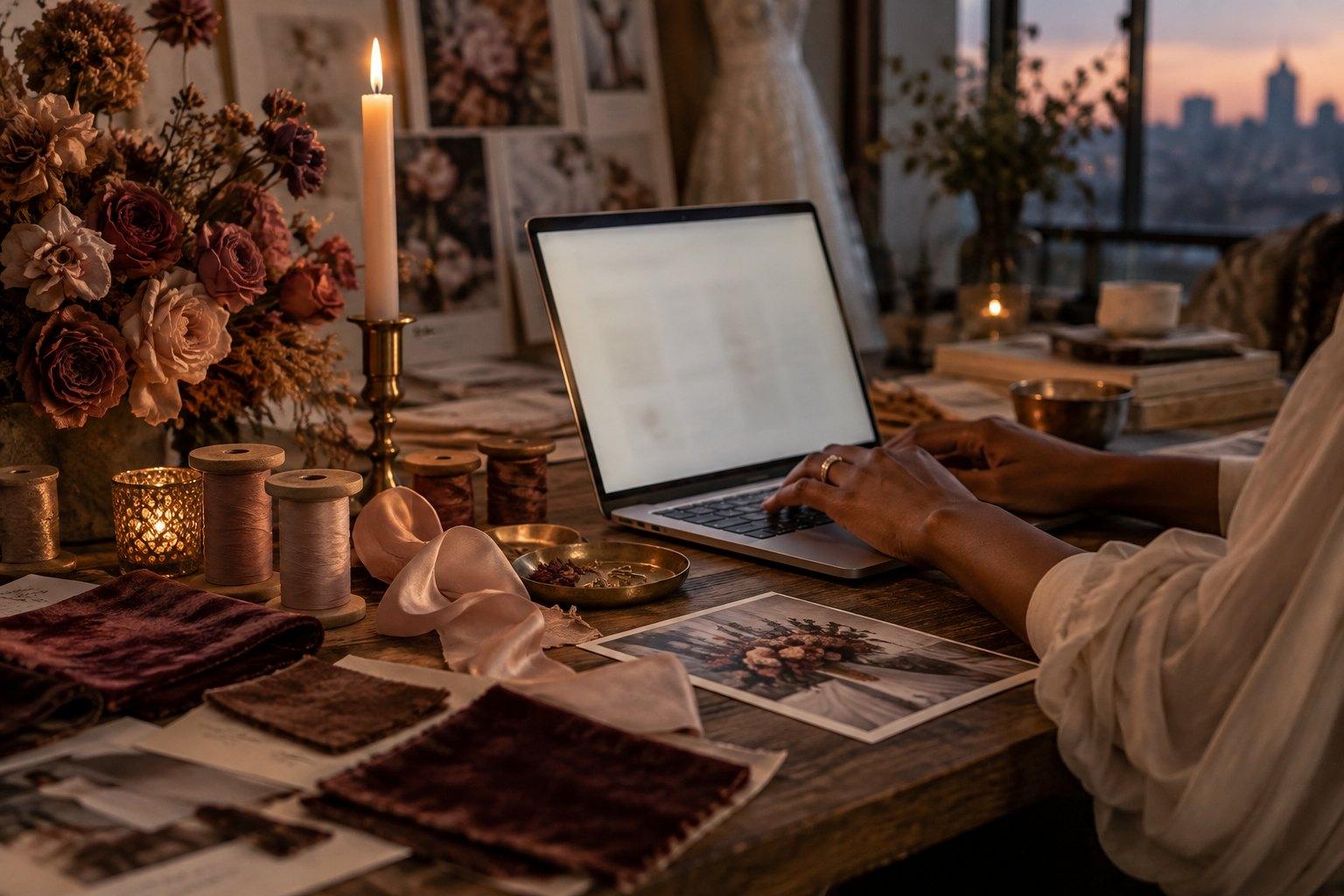
Staring at a blank page is one of the biggest time drains in a small wedding business. AI can give you a starting point for social captions, blog outlines, newsletter ideas and website section drafts. The key word is starting: you then edit heavily so it sounds like you and reflects real experience.
Email and enquiry admin
AI can help you draft templates for common emails — enquiry replies, follow-ups, vendor confirmations, timeline requests — which you then personalise every time. It’s also handy for tidying a reply you’ve written in a rush, or making a difficult email kinder and clearer.
Organising planning information
Paste in your notes from a client meeting and ask for a tidy summary with action points. Ask for a draft wedding day run sheet structure based on the ceremony time, travel and photos — then check every timing against your own experience and the venue’s rules. It turns chaos into something you can work with.
Brainstorming and creative prompts
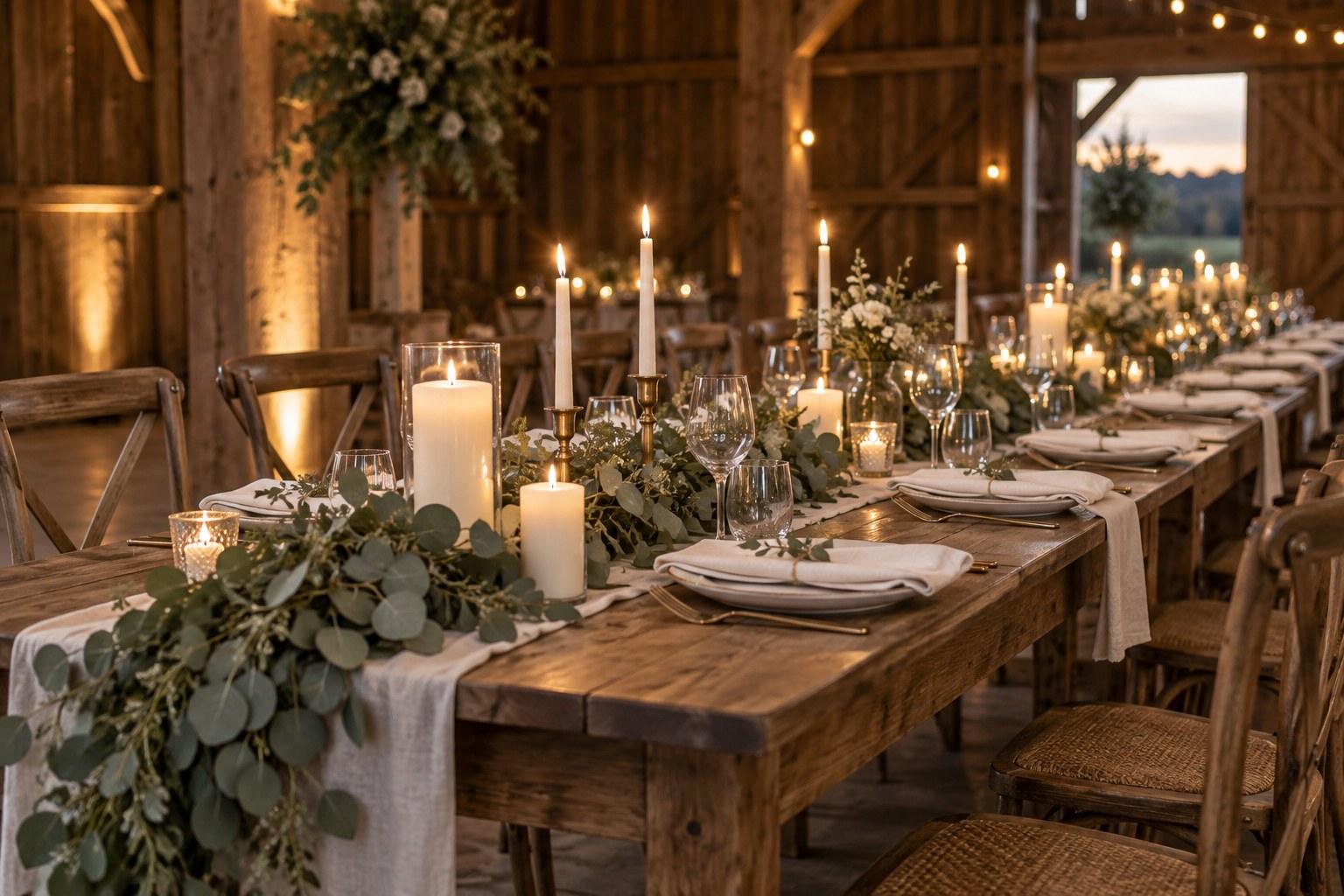
Need ten styled shoot concepts around a colour palette, or fresh angles for content about table styling? AI is a decent brainstorming partner. Most ideas will be ordinary, but a few will spark something you can make your own.
Where AI doesn’t help (or can actively hurt)
Reading people
Wedding planning is emotional work. Spotting that a couple is overwhelmed, navigating a tricky family dynamic or calming nerves on the morning of the wedding — that’s human skill. No tool does it for you.
Local and supplier knowledge
AI doesn’t know that a particular venue’s loading dock is tiny, which florist is reliable in a heatwave, or how long it really takes to get guests between two locations on a Saturday afternoon. Your network and lived experience are your competitive advantage.
Legal, contract, visa and tax questions
Never rely on AI for contracts, permits, marriage legalities, visas, insurance or tax. It can be confidently wrong, and rules differ by country and region. Always check with the relevant authority, your own lawyer or your accountant.
Sounding like you
AI-generated copy tends to sound polished and generic. Couples are reading many wedding websites at once; if yours sounds like all the others, you lose the one thing that makes you memorable. Treat any AI draft as raw material, not finished copy.
Original photography and portfolio work
Your portfolio must show work you genuinely did. Presenting AI-generated images as real weddings misleads clients. If you use AI imagery for mood or concept work, label it clearly.
A practical table: AI for wedding business tasks
| Task | AI helpful? | How to use it well |
|---|---|---|
| Social media captions | Yes, for drafts | Add your stories, opinions and real details |
| Blog post outlines | Yes | Write the substance yourself from experience |
| Enquiry reply templates | Yes | Personalise every single reply |
| Meeting notes summary | Yes | Check for anything missed or misunderstood |
| Run sheet structure | Partly | Verify every timing against real logistics |
| Contracts and terms | No | Use a lawyer for your location |
| Pricing decisions | No | Base on your costs, time and positioning |
| Client conversations | No | This is where you earn your fee |
| Portfolio images | No | Show only real work, label concept images |
How to use AI without losing your voice
- Give it context. Explain your brand, your ideal couple and your tone before asking for a draft. Better input, better output.
- Feed it your own words. Share examples of your writing and ask it to match your style — then still edit.
- Add the specifics only you know. Real venues (with permission), real lessons, real opinions.
- Cut the filler. AI loves vague phrases like “unforgettable moments” and “seamless experience”. Delete them.
- Read it out loud. If it doesn’t sound like something you’d say, rewrite it.
Example AI prompts for wedding professionals
Good prompts give context, a clear task and limits. A few to adapt:
- “I’m a wedding planner who specialises in relaxed, intimate weddings for couples who hate fuss. Here are my rough notes on why couples should book a planner early. Turn them into a 150-word Instagram caption in a warm, plain-English voice. Don’t use clichés like ‘dream day’.”
- “Here are my notes from a client meeting. Summarise the decisions made, the open questions and the action points for me and for the couple, as three short lists.”
- “Suggest ten blog post ideas answering questions couples ask before booking a wedding stylist. Make them specific, not generic.”
- “Rewrite this email to a vendor so it’s polite, clear and under 100 words, keeping all dates and details exactly as written.”
Notice what these have in common: you supply the substance, and AI does the shaping. Then you check everything — especially names, dates and numbers — before anything goes out.
Protect client privacy
Before pasting anything into an AI tool, think about privacy. Avoid sharing client names, contact details, addresses, guest lists or payment information unless you understand how the tool stores and uses data. Privacy laws differ between countries, so check with the relevant authority or a lawyer about your obligations.

Build skills first, then add tools
Here’s the trap: AI makes it easy to produce lots of marketing without a clear strategy behind it. More posts don’t fix unclear positioning, weak pricing or a clumsy sales process. Tools amplify what’s already there.
That’s why the fundamentals still matter most — knowing your ideal couple, what makes you different, how to price, and how to turn enquiries into bookings. The Certificate in Wedding Business & Marketing teaches those foundations, so any tools you add are working from a solid plan rather than guesswork.
For a practical companion, The Wedding Business & Marketing Handbook 2026 by Jac Bowie covers branding, marketing, sales and client systems, with worksheets that make great context to feed into any AI assistant — your positioning, brand words and ideal-couple profile, written by you.
A simple way to start
If you’re new to AI, start small. Pick one repetitive task this week — perhaps drafting social captions or tidying meeting notes — and try an AI assistant for that alone. Notice how much time you save and how much editing it needs. Then decide whether to expand. And if you’d like to strengthen the marketing thinking behind those tasks, the Certificate in Wedding Business & Marketing is designed for working wedding professionals who study online around their clients.
Frequently asked questions
How can AI help a wedding business?
AI can speed up first drafts of emails, captions and blog outlines, summarise long threads, turn meeting notes into action points and help brainstorm ideas. Everything it produces should be checked and edited by you.
Can AI replace a wedding planner?
No. AI can’t read emotions, manage vendors, solve problems on the day or bring local knowledge and relationships. It can support admin and content, but couples hire planners for human judgement and care.
Is it safe to use AI for wedding contracts?
No. Contracts and terms depend on your location and business. Use a lawyer for your contracts and check legal, visa or tax questions with the relevant authority or your own adviser.
Will AI-written content hurt my wedding business?
Unedited AI content often sounds generic and can include mistakes. Use AI drafts as a starting point, then add your voice, experience and real details so your content stays trustworthy and distinctive.
Should I share client details with AI tools?
Be careful. Avoid pasting names, contact details, guest lists or payment information unless you understand how the tool stores data, and check your privacy obligations with the relevant authority or a lawyer.
AI is a useful assistant — but your strategy, skills and relationships are what book weddings. If you want strong business and marketing foundations that any tool can build on, the Certificate in Wedding Business & Marketing covers branding, marketing, pricing and sales, 100% online and at your own pace.