A wedding planner workflow is a documented, repeatable sequence of steps for every stage of the client journey — from enquiry to post-wedding follow-up — with the tasks, templates and deadlines for each. Build one by mapping your stages, listing every task, turning repeat work into templates, keeping it all in one central system, and reviewing it weekly so nothing depends on memory.
It sounds dry. In practice, it’s the difference between feeling constantly behind and feeling calmly in control — and it’s what lets you grow without dropping balls.
Why every wedding planner workflow matters
Every wedding involves dozens of moving parts, multiple vendors, months of lead time and lots of small deadlines. Multiply that by several weddings at different stages, and memory simply stops being reliable.
Without a workflow, the warning signs are familiar:
- You re-write the same emails from scratch
- Follow-ups depend on remembering
- You discover a missing vendor confirmation the week of the wedding
- Every client gets a slightly different experience
- Taking a few days off feels impossible because everything lives in your head
A workflow fixes all of these. It also makes it far easier to bring on an assistant or associate planner later, because the way you work is written down.
Step 1: Map your client journey stages
Start by listing the big stages a couple moves through with you. Most wedding planners have something like this:
| Stage | What happens | Typical outputs |
|---|---|---|
| Enquiry | Couple gets in touch | Reply, call booking |
| Discovery call | You learn about the wedding | Notes, proposal |
| Booking | Contract and first payment | Signed contract, invoice |
| Onboarding | Welcome and set-up | Welcome pack, questionnaire |
| Planning | Vendors, design, budget, logistics | Shortlists, bookings, mood boards |
| Final details | Confirmations and timelines | Run sheet, vendor confirmations |
| Wedding day | Coordination on site | Run sheet in action |
| Wrap-up | Thanks, feedback, reviews | Review request, final invoice closed |
Your stages may be different — elopement planners might combine several, full-service planners might add more. The point is to see the whole journey on one page.
Step 2: List every task at each stage
Now go stage by stage and write down everything that happens. Be thorough; this is where hidden steps appear. For onboarding, you might list:
- Send welcome email and welcome pack
- Send planning questionnaire
- Create client folder and shared planning document
- Add key dates to your calendar
- Schedule the first planning meeting
- Set reminders for upcoming payments
Do this for every stage. The first time takes a while. After that, you only update it.
Step 3: Turn repeat work into templates
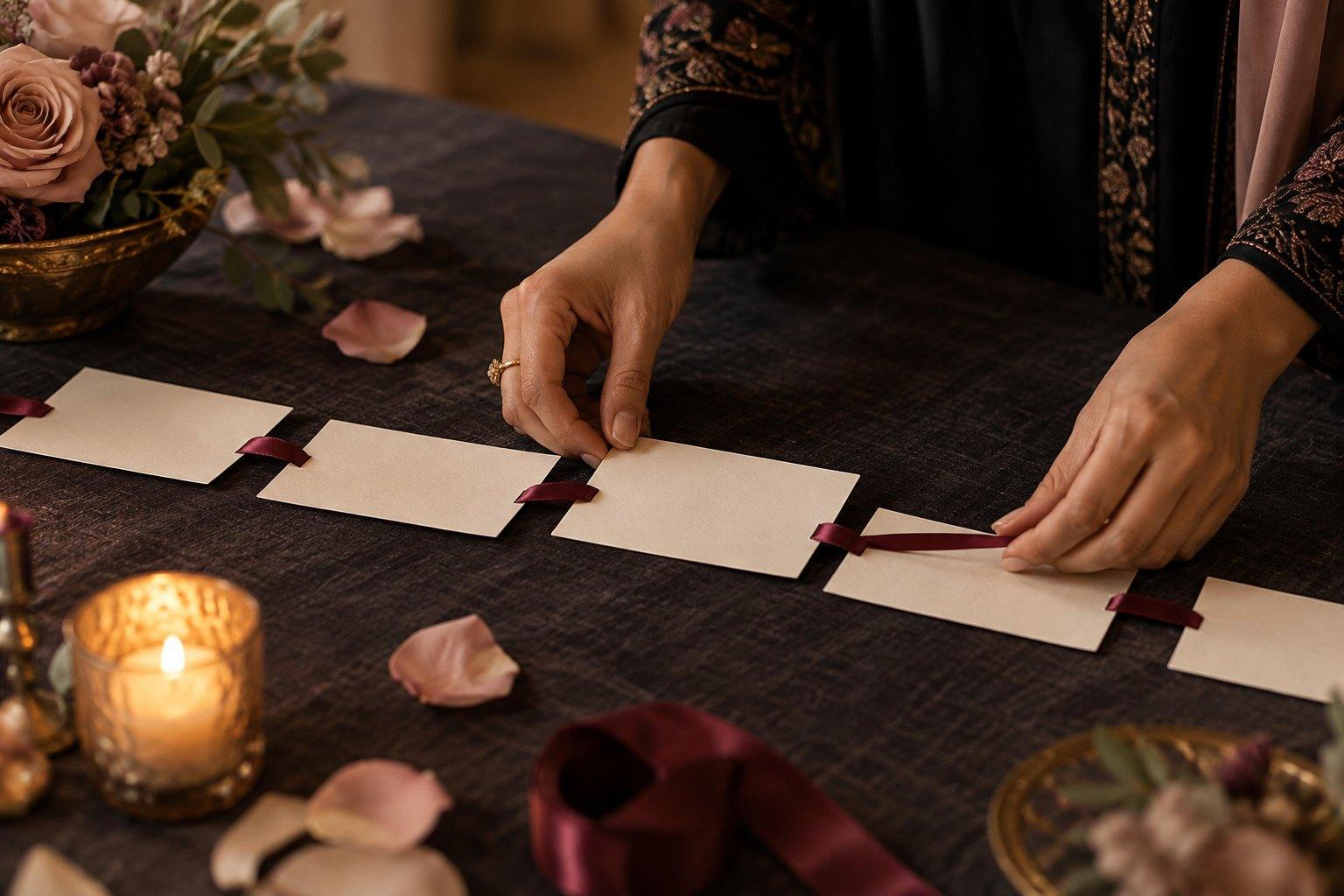
Anything you do more than twice should become a template. Common wedding planner templates include:
- Enquiry replies and follow-ups
- Proposals and package outlines
- Welcome emails and welcome packs
- Planning questionnaires
- Vendor enquiry and confirmation emails
- Planning timelines and checklists
- Wedding day run sheets
- Post-wedding thank-you and review request emails
Templates aren’t impersonal if you use them well. They handle the structure so you have more time and energy for the personal parts. If you’d rather not build everything from scratch, the Wedding Academy shop has ready-made templates you can adapt.
Step 4: Choose one central system
A workflow needs a home. The two main options are a dedicated client management system (often called a CRM) or a well-built spreadsheet plus shared folders.
What to look for in a CRM
If you choose software, look for features that match your workflow, not the longest feature list:
- Enquiry capture from your website form
- Pipeline view showing every couple’s stage
- Email templates and scheduled emails
- Proposals, contracts and invoices in one place
- Task lists and automated reminders tied to wedding dates
- Client portal or shared documents
- Calendar integration
Most systems offer a trial. Test one by running a real wedding through it before committing.
When a spreadsheet is enough
If you take on a small number of weddings, a spreadsheet with one row per couple — stage, wedding date, next action, due date, notes — plus a folder per client can work well. What matters is that it’s one place, always up to date. Five half-used apps are worse than one simple spreadsheet.
Step 5: Automate the reminders, not the relationship
Automation is brilliant for things that are purely about timing: payment reminders, questionnaire nudges, review requests after the wedding, internal reminders to confirm vendors. Let your system remember so you don’t have to.
But don’t automate the relationship. Couples should never feel like they’re talking to a machine. A rule of thumb: automate reminders and admin; personalise anything emotional, creative or important.
Example: a final details workflow
To make this concrete, here’s how one stage might look written out as a workflow. Timings are general guidance — adjust them to your venues, vendors and the size of the wedding.
- Around eight weeks out: send the final details questionnaire; request guest numbers, dietary needs and the family photo list by a set date.
- Around six weeks out: draft the wedding day run sheet; share it with the couple for comments.
- Around four weeks out: send every vendor the draft run sheet and ask them to confirm arrival times, contacts and requirements.
- Around two weeks out: chase any missing confirmations; finalise seating and floor plans; confirm final payments are scheduled.
- The week of the wedding: send the final run sheet and contact list to all vendors and the wedding party; pack your emergency kit; confirm your own team’s timings.
- The day before: check the weather plan, reconfirm deliveries and rest.
Each line has a template, a reminder and a box to tick. Nothing relies on you remembering at eleven o’clock at night.
Step 6: Build a weekly review habit
The best workflow in the world fails if nobody looks at it. Block time once a week to:
- Review every active wedding and its next actions
- Check upcoming deadlines over the next few weeks
- Follow up any open enquiries
- Confirm payments due or overdue
- Clear your inbox of anything waiting on you
- Note any step that went wrong, and update the workflow
That last point matters. Every time something slips, ask: “What step would have prevented this?” Then add it. Your workflow gets better with every wedding.
Common workflow mistakes wedding planners make
- Over-complicating it. Start simple; add detail as needed.
- Buying software before mapping the process. Tools should fit your workflow, not the other way round.
- Not using it consistently. Half-updated systems create false confidence.
- Forgetting the wedding day. Your on-the-day run sheet, emergency kit list and vendor contact sheet are part of your workflow too.
- Never reviewing it. Your business changes; your workflow should too.
Workflows and the client experience
A strong workflow isn’t just about efficiency — it shapes how couples feel. When welcome packs arrive promptly, questions are answered clearly and every step feels considered, couples relax and trust you. That experience leads to glowing reviews and referrals.
Building client systems, sales processes and the business side of planning is a key part of the Certificate in Wedding Business & Marketing. If you want a reference you can work through alongside your own business, The Wedding Business & Marketing Handbook 2026 by Jac Bowie covers client journeys and systems with practical worksheets. Still building your core planning knowledge? The Certificate in Wedding Planning covers timelines, vendors and on-the-day coordination in detail.
Start with one stage this week
You don’t need to systemise your whole business in a weekend. Pick the stage that causes you the most stress — often onboarding or final details — and map it this week. Create the templates, set the reminders, run the next wedding through it. Then move on to the next stage. Step by step, your business stops living in your head. The Certificate in Wedding Business & Marketing can help you build the rest of the structure around it.
Frequently asked questions
What is a wedding planner workflow?
A wedding planner workflow is a written, repeatable sequence of stages and tasks for every client — from enquiry and booking through planning, the wedding day and follow-up — supported by templates, reminders and one central system.
Do wedding planners need a CRM?
Not always. A CRM helps as you take on more weddings, especially for enquiries, contracts, invoices and reminders. With a small number of clients, a well-kept spreadsheet and organised folders can work.
What should a wedding planner automate?
Automate timing-based admin such as payment reminders, questionnaire nudges, internal vendor-confirmation reminders and review requests. Keep emotional, creative and important conversations personal.
How do I stop tasks falling through the cracks as a wedding planner?
Map your client journey, list every task at each stage, keep everything in one system with due dates, and review all active weddings once a week, adding a new step whenever something slips.
What templates does a wedding planner need?
Common templates include enquiry replies, proposals, welcome packs, questionnaires, vendor emails, planning checklists, wedding day run sheets and post-wedding review requests.
Systems are what turn a talented planner into a sustainable business. If you’re ready to build the processes, marketing and sales structure behind your planning, the Certificate in Wedding Business & Marketing shows you how, 100% online and at your own pace.