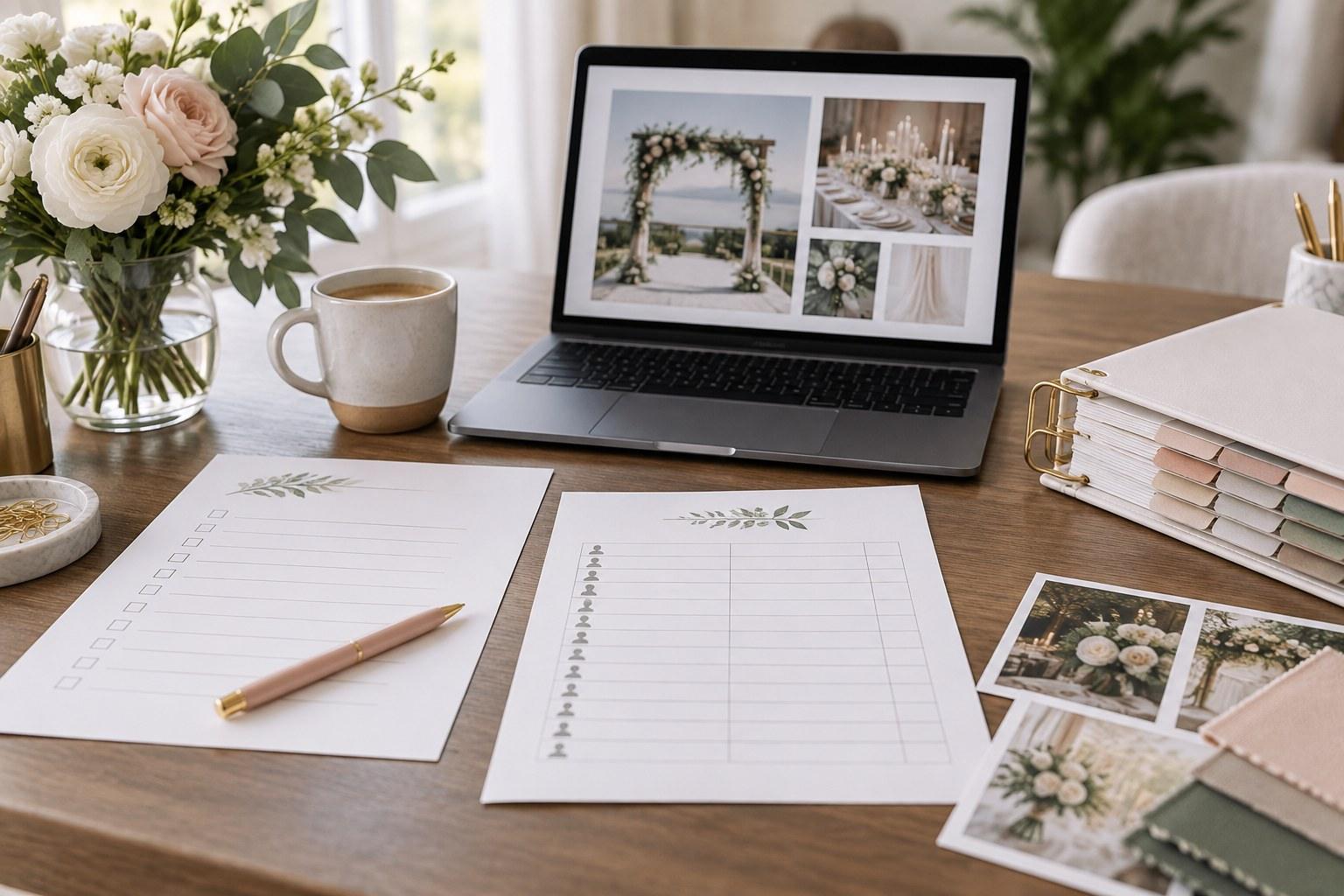
A wedding planner template kit is a set of ready-made planning documents — client intake forms, checklists, trackers, timelines and run sheets, supplier forms and business templates — that you adapt to your own process so you’re not starting every wedding from a blank page. You still do the thinking, the client care and the problem-solving; the kit just means the paperwork behind it is already built, consistent and professional.
That’s the short answer. The longer, more useful answer is about which templates you actually need, which ones you can skip, and how to turn a folder of downloads into a working system you’ll reach for on every single wedding. Let’s go through it stage by stage.
What’s inside a wedding planner template kit?
A good kit mirrors the life of a wedding. It follows the job from the first enquiry email to the final dance — and then keeps going into the business side that keeps your doors open. Think of it in five stages:
- Enquiry and onboarding — getting the right information from a couple, fast
- Planning — tracking guests, venues, money and suppliers
- Styling and suppliers — turning the vision into orders and shot lists
- Wedding day — the run sheet and the kit that saves you when something breaks
- Business — packages, marketing and knowing exactly who you’re selling to
If a kit only covers one or two of those stages, it’s a starter pack, not a system. Here’s what belongs in each.
Enquiry and onboarding templates
The first document a couple fills in sets the tone for the whole relationship. A client intake questionnaire captures the basics — names, date, guest count, budget range, venue status — plus the things couples don’t think to tell you: who’s paying, who has opinions, what they’re dreading. Ask once, properly, and you stop chasing details by text message for months.
If you plan weddings away from home, a separate destination wedding intake form earns its place. Travel logistics, guest accommodation, local legal requirements, welcome events and multi-day schedules simply don’t fit on a standard form, and trying to squeeze them in is how things get missed.

Planning templates: the trackers you live in
This is the engine room. Four templates do most of the heavy lifting:
- Guest list tracker — households, RSVPs, dietary needs, accessibility notes and table assignments in one place, so the caterer, the venue and the couple all work from the same numbers.
- Venue site inspection checklist — power, access, load-in times, wet-weather options, noise limits, bathrooms, parking. Walk a venue with a checklist and you ask the questions that matter; walk it without one and you’ll be emailing the venue manager later.
- Budget tracker — estimated versus actual, deposits paid, balances due and dates. Couples relax when they can see the money clearly.
- Supplier contact sheet — every supplier’s name, contact, arrival time, contract status and on-the-day phone number. This one gets copied straight into your run sheet later.
Styling and supplier templates
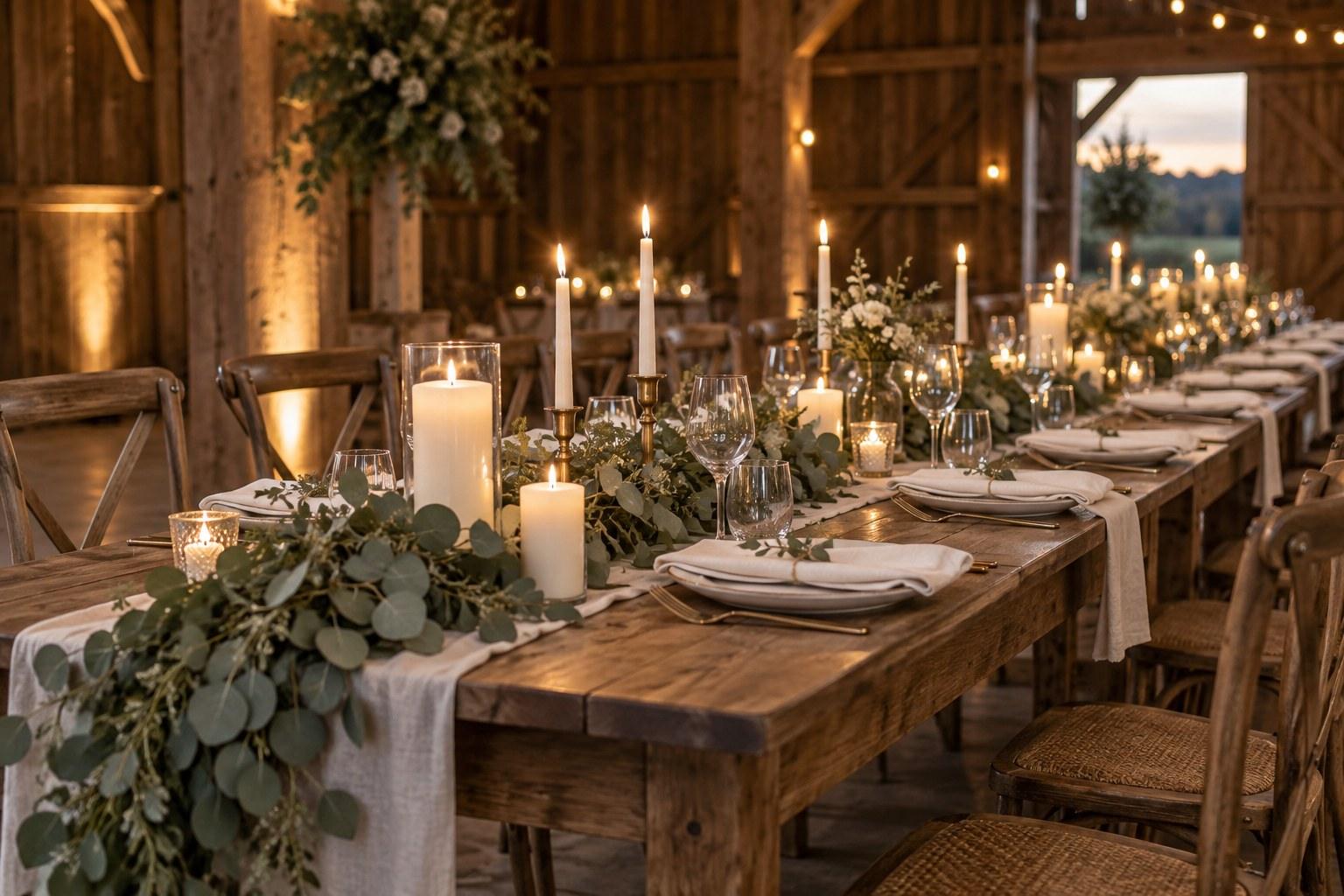
Styling decisions are only real once they’re written down in a form a supplier can act on. A linen order form turns “soft sage, floor-length” into quantities, sizes and table counts. A tablescape guide documents exactly how each table should look — plates, glassware, napkin fold, centrepiece, place cards — so the venue team can set it without you standing over them. And a photography shoot list checklist makes sure the family combinations, detail shots and must-have moments are agreed before the day, not shouted across a garden.
Wedding day templates
The run sheet (or wedding day timeline) is the single most important document you’ll produce. It’s minute-by-minute, supplier-by-supplier, and it’s what lets you be calm when everyone else isn’t. Alongside it, a wedding day emergency kit checklist — sewing kit, stain remover, safety pins, painkillers, spare phone charger, tape, scissors — means the small disasters stay small.
Business templates
Here’s where most kits stop short, and where yours shouldn’t. Planning package templates help you present full planning, partial planning and on-the-day coordination clearly, so couples understand what they’re buying. An ideal customer avatar template forces you to define who you actually want to work with — which shapes your pricing, your website copy and your social content. And a social media planner stops your marketing from happening only when you remember it.
Wedding planner templates at a glance
| Planning stage | Template | What it saves you |
|---|---|---|
| Enquiry and onboarding | Client intake questionnaire | Months of chasing basic details and repeating the same questions |
| Enquiry and onboarding | Destination wedding intake form | Missed travel, accommodation and multi-day logistics |
| Planning | Guest list tracker | Conflicting headcounts and dietary mix-ups |
| Planning | Venue site inspection checklist | Follow-up emails about access, power and load-in you forgot to ask |
| Planning | Budget tracker | Surprise balances and awkward money conversations |
| Planning | Supplier contact sheet | Hunting for phone numbers on the day |
| Styling and suppliers | Linen order form | Wrong sizes, wrong quantities, wrong colours |
| Styling and suppliers | Tablescape guide | Re-setting tables an hour before guests arrive |
| Styling and suppliers | Photography shoot list checklist | Missed family photos and must-have moments |
| Wedding day | Run sheet / timeline | Suppliers arriving at the wrong time and nobody knowing what’s next |
| Wedding day | Emergency kit checklist | Small problems becoming big ones |
| Business | Planning package templates | Vague offers and scope creep |
| Business | Ideal customer avatar | Marketing to everyone and booking no one |
| Business | Social media planner | Last-minute posting with no plan |
Every template named above is available in The Wedding Academy shop, alongside our books and The Vault — which bundles the full template collection in one place if you’d rather not buy piece by piece.
How to choose a wedding planner template kit
Not all kits are built for professionals. Plenty of what’s out there is designed for couples planning their own wedding — pretty, but missing the supplier, client and business layers you need. Before you buy anything, check these four things.
1. Is it editable?
A locked PDF you can only print is a souvenir, not a tool. You need formats you can edit, duplicate per client and update as your process improves.
2. Is it built for planners, not couples?
Planner templates look at the wedding from the professional side — supplier arrival times, contract status, load-in, client sign-off. Couple templates look at it from the guest side. Both are useful; only one runs a business.
3. Does it cover the business side too?
A kit that helps you plan weddings but not book them is only half a kit. Look for packages, marketing and client-profile templates alongside the planning documents.
4. Can you make it look like yours?
Every document a client sees is a piece of your brand. Choose templates you can restyle with your own logo, fonts and colours, so your intake form and your proposal feel like they came from the same polished business.
How to customise wedding planning templates to your process
The real value of a template kit shows up after you’ve made it yours. Here’s how to do that without spending a fortnight on admin:
- Map your process first. Write down the steps you actually take from enquiry to wrap-up. Then match a template to each step — and notice the gaps.
- Brand once, then save a master. Add your logo, colours and contact details to every template and save them as untouched masters. Duplicate for each new client; never edit the master directly.
- Cut what you don’t use. If a field never gets filled in, delete it. Shorter forms get completed; long ones get abandoned.
- Add your own questions. Every planner has the one question that saves them every time. Put it in the intake form.
- Connect the documents. Your supplier contact sheet should feed your run sheet. Your guest list tracker should feed your seating and catering numbers. Templates work best as a chain, not a pile.

Common wedding planner template mistakes
- Collecting templates you never use. A hundred downloads in a folder called “templates” isn’t a system. Start with the core set and add only when a real job demands it.
- Copying without adapting. A template is someone else’s thinking until you rework it around your services, your clients and your local suppliers. Use it as-is and it’ll show.
- No version control. Three versions of the run sheet in three inboxes is how the band arrives at the wrong time. Keep one live file per wedding, name it clearly and make sure everyone knows which one is final.
- Treating the template as the job. A perfectly formatted budget tracker doesn’t help if you don’t know how to have the budget conversation. Which brings us to the big one.
Do templates replace wedding planning training?
Honestly? No. Templates give you the documents. Training teaches you how and when to use them — what to ask in a site inspection, how to build a run sheet that actually holds up, how to manage a nervous couple, how to brief suppliers so nothing falls through the cracks. A run sheet template is a grid of empty boxes until you know what goes in them and why.
That’s exactly what the Certificate in Wedding Planning is for. It walks you through the planning process end to end, so every template in your kit has a purpose and a place. If you want a reference to keep on your desk while you work, the Wedding Planner’s Handbook ebook is fillable, so you can work through it as you go.
And once the planning side feels solid, the business templates come into their own. The Certificate in Wedding Business & Marketing goes deeper into packaging, pricing your services and finding your ideal clients — while the Advanced Certificate in Wedding Planning, Styling and Business brings planning, styling and business together in one program.
Wedding planner template kit FAQs
What templates does a wedding planner need?
At minimum: a client intake questionnaire, guest list tracker, budget tracker, venue site inspection checklist, supplier contact sheet and a wedding day run sheet. Add styling forms, a photography shoot list, an emergency kit checklist and business templates such as planning packages as your work grows.
Is a wedding planner template kit worth it for a new planner?
Yes, if you adapt it. A kit gives you a professional starting point and stops you reinventing documents for every client. The value comes from customising it to your process — not from owning the files.
What’s the difference between planner templates and couple planning templates?
Couple templates help one couple plan one wedding. Planner templates are built to be reused across many clients and cover the professional layer — supplier logistics, client onboarding, run sheets and the business side of a planning company.
Can I put my own branding on wedding planner templates?
You should. Choose editable templates, add your logo, fonts and colours, and save branded masters. Every document a client sees should look like it came from your business.
Do I still need a course if I have a template kit?
Templates give you the documents; a course teaches you how and when to use them. The Certificate in Wedding Planning covers the full planning process, so you know what belongs in every template and how to run a wedding with confidence.
Ready to know exactly what to do with every template in your kit? Enrol in the Certificate in Wedding Planning and start planning like a professional. 💍