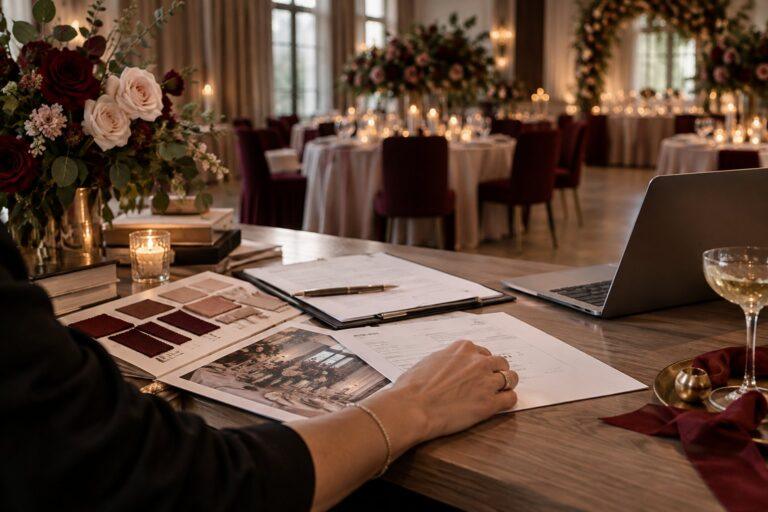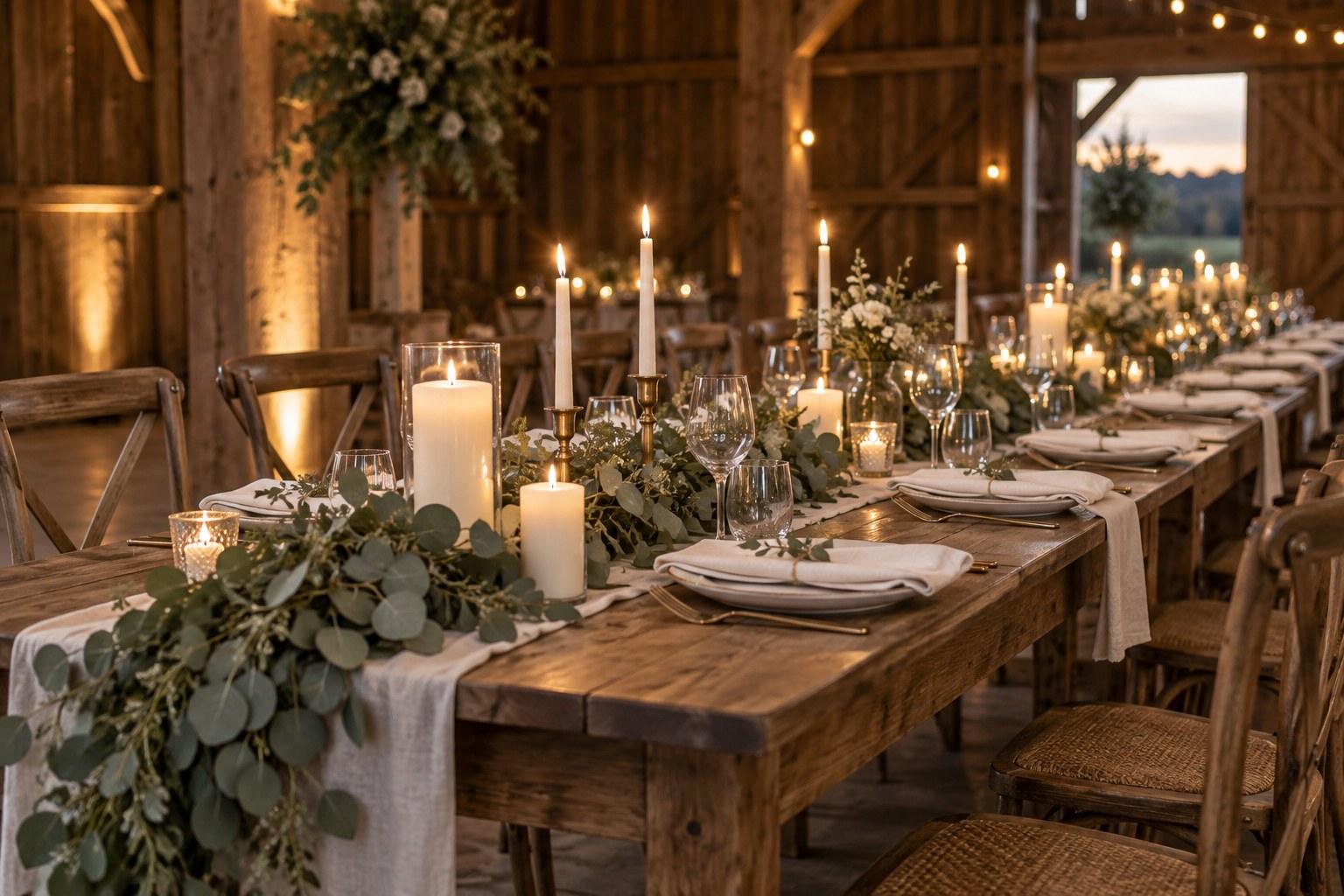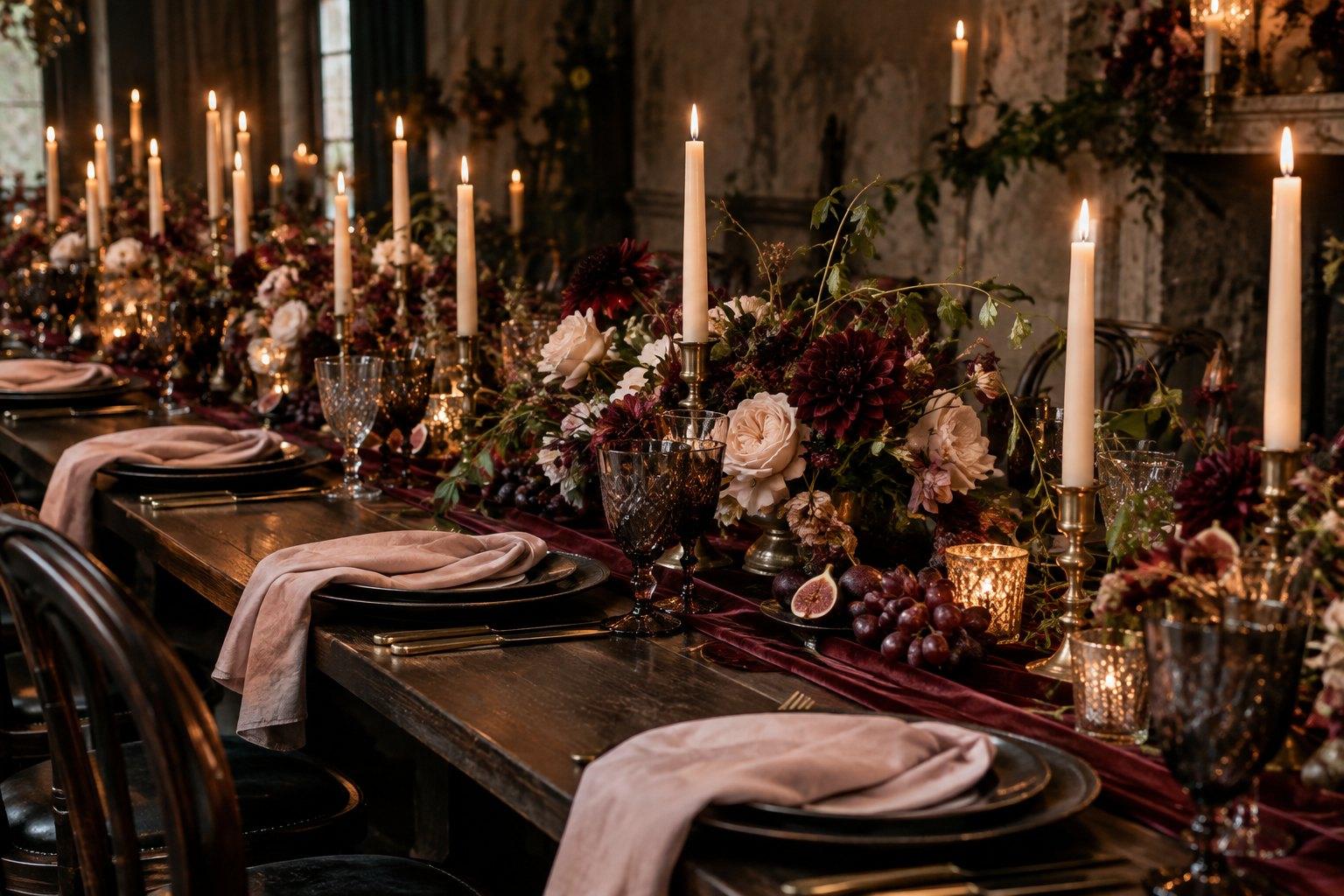
Using Pinterest for wedding business marketing works because couples treat Pinterest as a visual search engine: they search for ideas, save pins and click through to websites. To make it bring you enquiries, set up a business account, build boards around what couples search for, publish keyword-rich pins of your own work linked to relevant pages, and pin consistently over months rather than in bursts.
Unlike most social media, a good pin can keep working long after you post it. For planners, stylists, florists, stationers and venues, that makes Pinterest one of the best long-game marketing channels available — if you treat it as search, not a scrapbook.
Why Pinterest for wedding business marketing works
Couples planning a wedding are some of Pinterest’s most enthusiastic users. They’re actively looking for colour palettes, centrepiece ideas, ceremony backdrops, dress styles, invitation suites, timelines and checklists. They’re in planning mode — exactly when they’re open to finding and hiring wedding professionals.
Key differences from other platforms:
- Search-driven. People type what they want, so the right keywords put your work in front of them.
- Long lifespan. Pins can surface in search for months, unlike posts that disappear from feeds within days.
- Built for clicks. Every pin can link to a page on your website.
- Inspiration first. Couples come to plan, not to scroll friends’ updates.
Step 1: Set up a Pinterest business account
A free business account gives you analytics, the ability to claim your website and access to pin formats designed for businesses.
- Profile name: your business name plus a keyword, for example “[Business Name] | Wedding Planner”.
- Profile photo: your logo or a clear, friendly photo, matching your other platforms.
- About section: one or two sentences on who you help, what you do and where — using natural keywords.
- Claim your website so your pins are attributed to you and you can see analytics.
- Add a cover that reflects your style.
Step 2: Plan boards around couple searches
Name boards using the words couples actually type, not your internal language. “Moody Burgundy Wedding Ideas” is far more searchable than “Our Faves”.
Board ideas for wedding planners and stylists
- Wedding colour palettes (and boards for specific palettes)
- Wedding table styling ideas
- Ceremony backdrop ideas
- Intimate wedding ideas
- Destination wedding planning
- Wedding planning checklists and tips
- Your real weddings or portfolio boards, organised by style
Board ideas for florists, stationers and other vendors
- Bridal bouquet ideas by style or colour
- Wedding centrepiece ideas
- Wedding invitation inspiration
- Wedding signage and on-the-day stationery ideas
Write a short, keyword-rich description for each board, and organise boards so your most important ones appear at the top of your profile.
Step 3: Create pins that get found and clicked
Images
Pinterest favours tall, vertical images. Use high-quality photos of your own work wherever possible, with permission from the photographer and, where relevant, the couple. Detail shots, styled tables, florals and flat lays tend to perform well. Make sure photographers are credited according to your agreement with them.
Pin titles and descriptions
Write pin titles like search phrases: “Candlelit Burgundy Wedding Table Styling” rather than “Gorgeous!”. In the description, write one or two natural sentences describing what’s in the image and why it’s useful, using relevant keywords. Avoid stuffing in long lists of hashtags or repeated words.
Text overlays
For educational pins — checklists, guides, tips — a clean text overlay with a clear headline can help. Keep it legible on a small screen and on-brand in colour and font.
Links
Every pin should link to the most relevant page: a blog post, a portfolio gallery, a services page. Don’t send everything to your homepage. A pin about planning timelines should go to your timeline guide; a pin of a styled table should go to that wedding’s gallery or your styling services page.
An example pin, start to finish
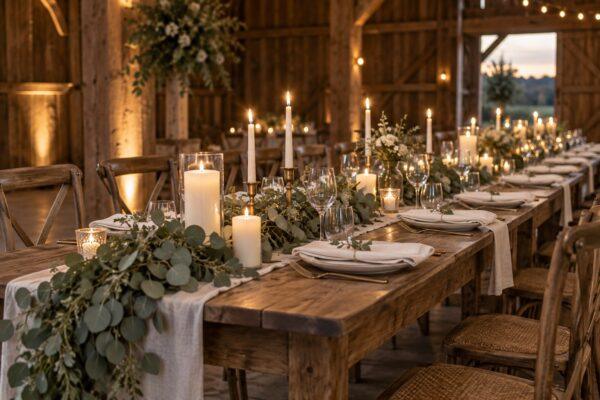
Say you styled an intimate dinner-party wedding with burgundy florals and candlelight. One pin might use a tall detail shot of the table, the title “Intimate Candlelit Wedding Table Ideas in Burgundy and Blush”, a description explaining the styling choices and the kind of venue it suits, and a link straight to that wedding’s gallery on your website. Then you’d create more pins from the same wedding — the florals, the stationery, the ceremony — each with its own title, description and link. One wedding, many ways to be found.
Should you use video pins?
Short videos — a table coming together, a bouquet being wrapped, a venue walk-through — can stand out among still images. Keep them short, vertical and beautiful even without sound. If video feels like too much right now, start with images; you can add it later.
Step 4: Build a realistic pinning routine
Consistency matters more than volume. A routine you can sustain will outperform bursts of activity followed by silence.
| Task | How often | Notes |
|---|---|---|
| Create fresh pins of your own content | Weekly | New images or new designs pointing to your pages |
| Save relevant pins from others | Weekly | Keeps boards active and useful for couples |
| Schedule pins ahead | Weekly or fortnightly | Use Pinterest’s scheduler or an approved tool |
| Review analytics | Monthly | Look at top pins, saves and outbound clicks |
| Refresh boards | Every few months | Rename, reorder and update descriptions |
Many wedding businesses batch their Pinterest work: one session to design and schedule a couple of weeks of pins. It’s efficient and keeps your profile active even when weddings take over your calendar.
Step 5: Connect Pinterest to your website content
Pinterest works best when you have useful content to link to. Each blog post you publish can produce several pins with different images and headlines. Each real wedding gallery can produce a dozen detail pins.
This is where Pinterest and your website feed each other: blog posts give Pinterest something to link to, and Pinterest sends couples to your website, where they can read more and enquire. Make sure every page couples land on has a clear next step — usually an enquiry form or discovery call booking.
Step 6: Measure what matters
Pinterest analytics show impressions, saves, outbound clicks and your top pins. Saves show interest, but outbound clicks are what bring couples to your site. Then check your website analytics to see which Pinterest visits lead to enquiries.
Over a few months, you’ll see patterns: which topics, styles and pin designs work best. Create more of those.
Common Pinterest mistakes wedding businesses make
- Only repinning other people’s work. It keeps boards pretty but sends no one to your site.
- Vague board and pin names. If nobody searches it, nobody finds it.
- Linking everything to the homepage. Send people to the most relevant page.
- Using images without permission. Always get permission and credit photographers properly.
- Giving up too early. Pinterest builds slowly. Commit to several months before judging it.
- Ignoring your website. Clicks only become enquiries if your website makes booking easy.
Pinterest within your wider marketing plan
Pinterest is a strong channel, but it works best as part of a joined-up plan alongside your website, search visibility, Instagram, email and referral relationships. Knowing your ideal couple and positioning makes every pin more effective, because you’ll know exactly which styles and searches to target.
That kind of strategic marketing is the focus of the Certificate in Wedding Business & Marketing, which covers social platforms, websites, content and sales for wedding professionals. If you’d like a practical reference to plan your content around, The Wedding Business & Marketing Handbook 2026 by Jac Bowie includes marketing planning worksheets. And stylists who want more pin-worthy work to share might also look at the Certificate in Wedding Styling.
Start with five boards and ten pins
Don’t overthink it. This week, set up your business account, create five keyword-named boards and publish ten pins of your own work, each linking to a relevant page. Then keep adding a few fresh pins every week. In a few months, you’ll have a profile that quietly works for you around the clock — and the Certificate in Wedding Business & Marketing can help you turn that traffic into bookings.
Frequently asked questions
Is Pinterest good for wedding businesses?
Yes. Couples use Pinterest to search for and save wedding ideas, and pins can link directly to your website. It’s especially useful for visual businesses like planners, stylists, florists, stationers and venues.
How often should a wedding business pin on Pinterest?
Consistency matters more than volume. Adding a few fresh pins of your own content each week, plus saving relevant pins from others, is a sustainable rhythm for most small wedding businesses.
What should wedding businesses post on Pinterest?
Tall, high-quality images of your own work — styled tables, florals, details and real weddings — plus helpful pins linking to blog posts such as checklists, timelines and planning tips.
How long does Pinterest take to work for a wedding business?
Pinterest usually builds gradually. Commit to a consistent routine for several months, then use your analytics to see which topics and pins drive the most clicks.
Do I need a business account on Pinterest?
A free business account is recommended. It gives you analytics, lets you claim your website and provides business features that help you understand what’s working.
Pinterest rewards wedding businesses who know exactly who they’re for and what they want to be found for. If you’re ready to build a marketing plan that brings in ideal couples — across Pinterest, your website and beyond — the Certificate in Wedding Business & Marketing shows you how, 100% online and at your own pace.